Symptoms
When installing Squish 9.2 after a Squish 9.3 installation that used the Qt Account license option, the Squish 9.2 installer may pick up the existing QLS settings and display the following server address:
https://qls.qt.io
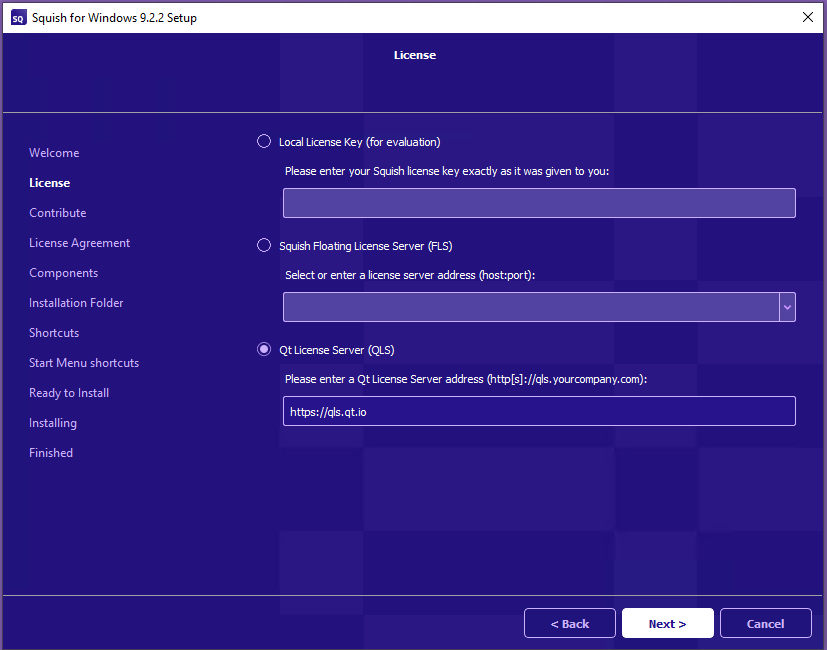
Clicking Next with this configuration results in an authentication error.
More information
The Squish 9.2 installer reuses the existing QLS settings.
The server https://qls.qt.io requires authentication, which causes the authentication error in this situation.
Solution
Do not continue with the automatically detected https://qls.qt.io setting.
Use the licensing configuration appropriate for the Squish 9.2 installation instead, such as your internal on-premises QLS server address, an FLS server address, or a temporary license key.